
Quickstart#
Aether is a single program with the web player built in: point it at your music, start it, open the browser. Pick Docker or the plain binary below; for the Debian package, and more on each, see Installation.
Start the container, replacing
/path/to/musicwith your music folder:docker run -d --name aether -p 8075:8075 \ -e AETHER_AUTH_ADMINBOOTSTRAP_PW='change-me' \ -v aether-data:/var/lib/aether \ -v /path/to/music:/music:ro \ ghcr.io/andresbott/aether:latestThe image scans whatever you mount at
/music.Open http://localhost:8075 and sign in as
adminwith the password above.
Download the zip for your system from the latest release and unzip it.
Next to the binary, create a
config.yamlthat lists your music folder:ScanFolders: - Name: "Music" Path: "/path/to/music"Start it from that folder:
./aether startIts database, cached artwork and logs go in a
datafolder there.Open http://localhost:8075. There is no sign-in: authentication is off, so the server only listens on this machine.
On Windows, run .\aether.exe start, and put the path in single quotes ('C:\Music'): in double quotes, a backslash starts an escape.
Then run the first scan from Settings → Tasks (the Scan now button on Settings → Libraries does the same). Everything it finds shows up under Library. The Tasks page can also run scans on a schedule.
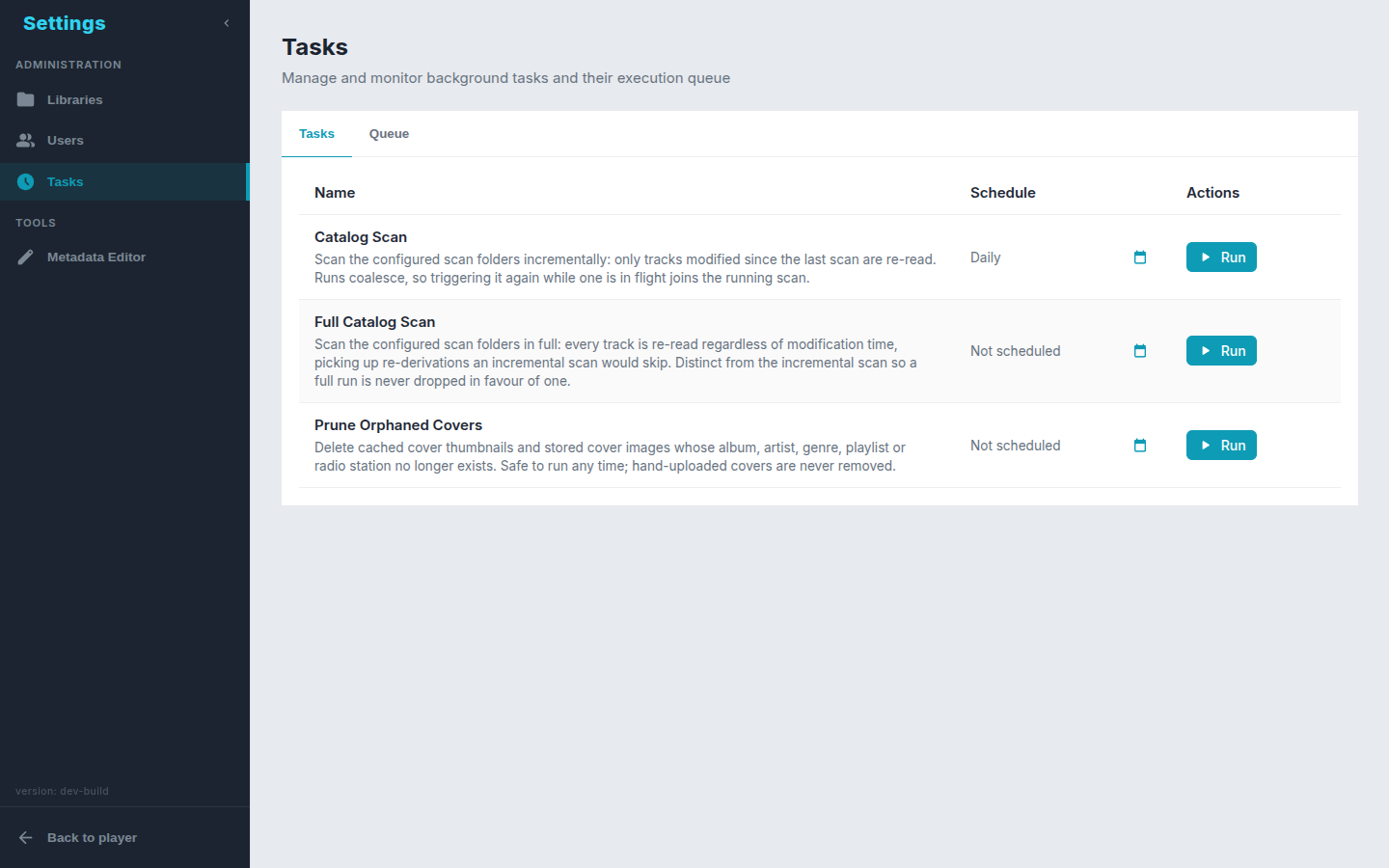
To scan more folders later, list them under ScanFolders in the config file and restart, see Configuration. There is no UI for this on purpose: the config file is the only place scan folders are defined.
From here, depending on how you listen:
- Split the collection into libraries — lossless only, one genre, the audiobooks folder.
- Connect a phone or desktop app through the OpenSubsonic API.
- Before anyone else can reach the server, turn on authentication.
- Before you move or retag your files, read what a scan keeps — and skim the known limitations.