
Getting started#
From nothing to music playing in your browser:
- Install Aether — as a Debian package, a container or a plain binary, see Installation.
- Tell it what to scan. List your music directories under
ScanFoldersin the config file and restart, see Configuration. There is no UI for this on purpose: the config file is the only place scan folders are defined. - Run a scan. Open the web player at
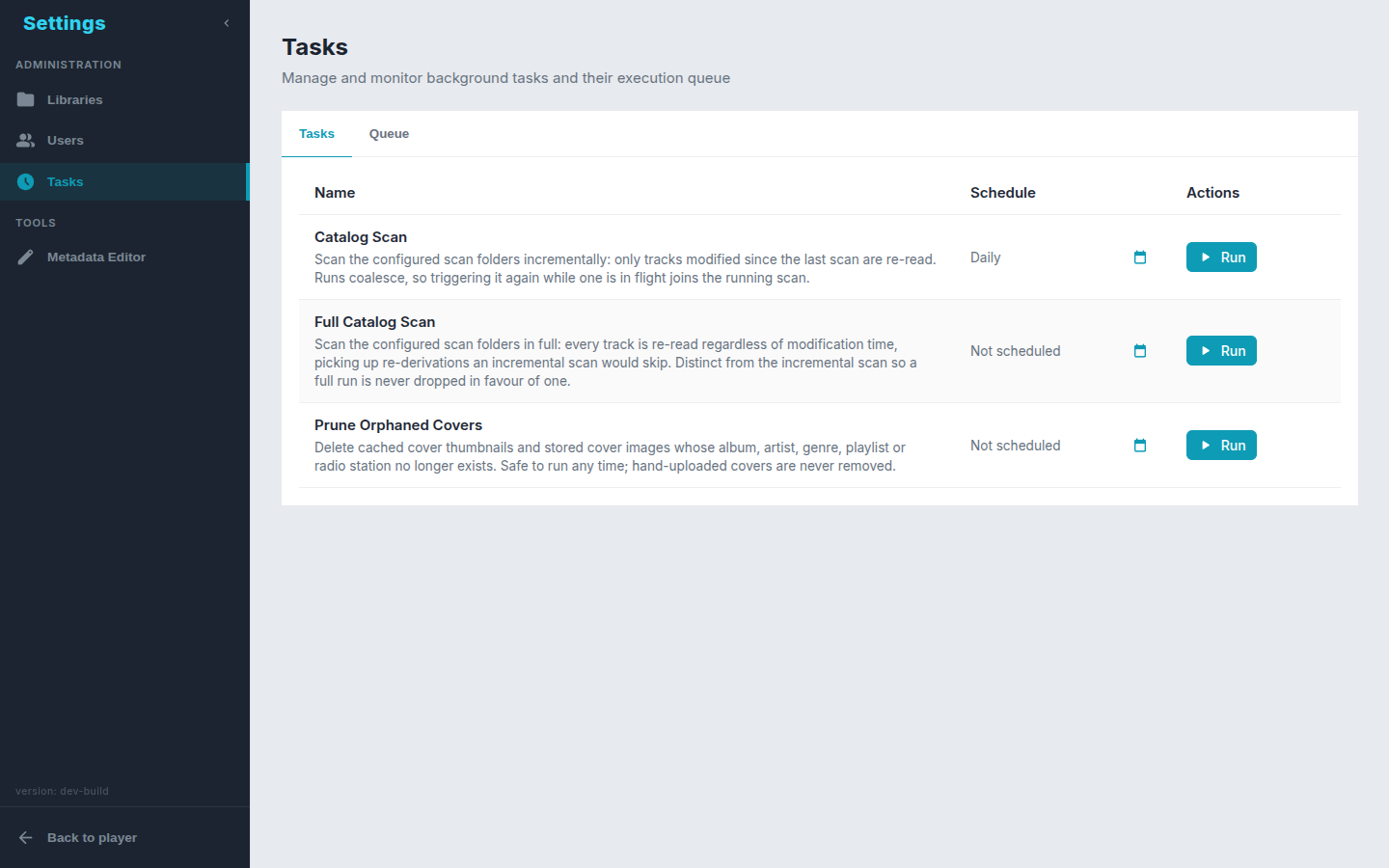
http://<your-server>:8075, go to Settings → Tasks and run the catalog scan (the Scan now button on Settings → Libraries does the same). Scans can also run on a schedule from the same page. - Play. Everything scanned shows up under Library.
Then, depending on how you listen:
- Split the collection into libraries — lossless only, one genre, the audiobooks folder.
- Connect a phone or desktop app through the OpenSubsonic API.
- Before anyone else can reach the server, turn on authentication.